Lock Screen
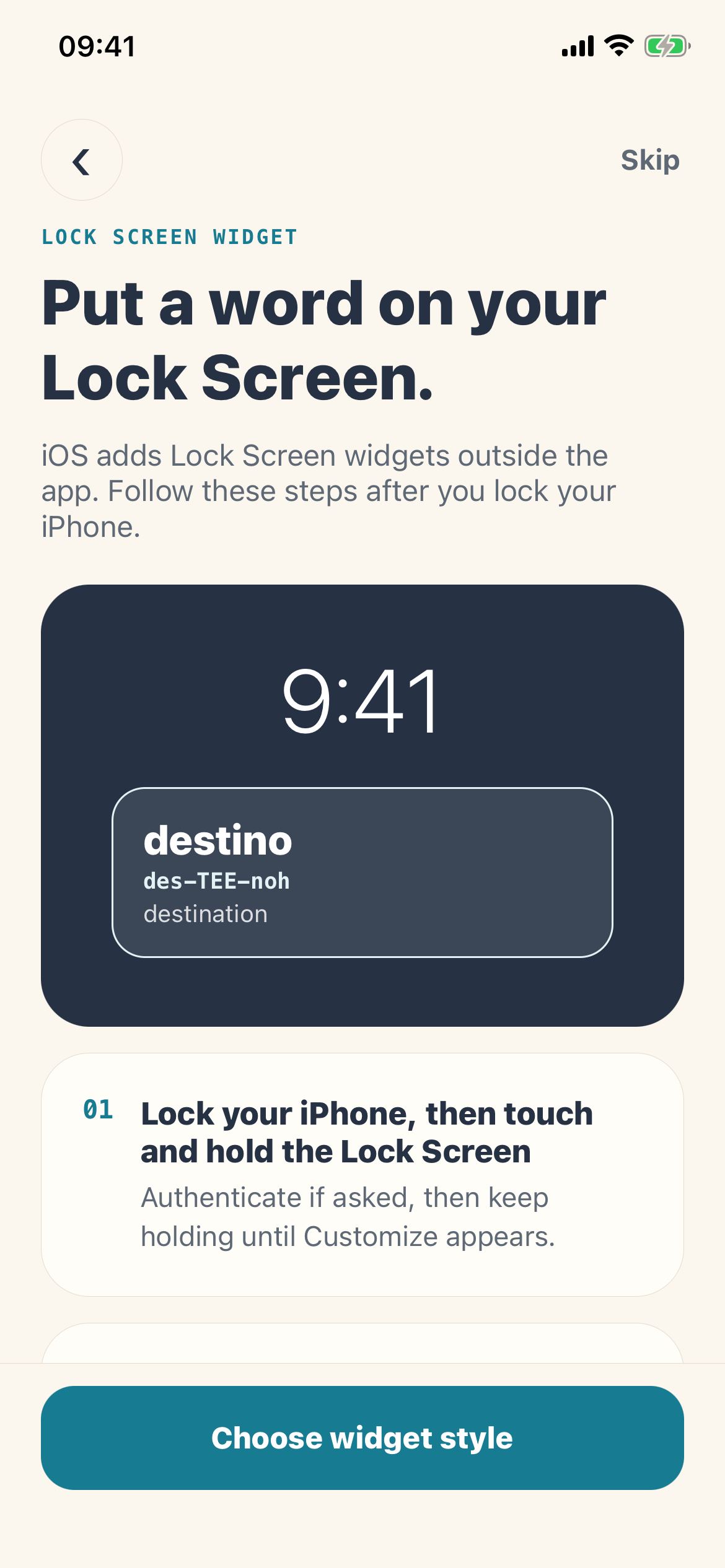
Use the inline style for a single compact prompt or the rectangular style for a word with pronunciation and meaning.
iPhone vocabulary widget
Put a useful word, pronunciation, meaning, or phrase on your Home Screen or Lock Screen. LexiGlance turns passive glances into light repetition between reviews.
Real widget setup
LexiGlance writes a shared on-device snapshot for WidgetKit. The widget reads that snapshot and rotates through prepared entries on the schedule iOS allows.
Term and pronunciation for the smallest possible prompt.
Term, pronunciation, and one or more learner-language meanings.
A target-language example with reading help when available.
Supported widget sizes
The current widget extension supports small and medium Home Screen widgets plus inline and rectangular Lock Screen widgets.
Use the inline style for a single compact prompt or the rectangular style for a word with pronunciation and meaning.
Small and medium widget families have room for a fuller word card, including meanings or a short example.
Setup on iPhone
Complete the language path and widget style setup so the app can prepare its first snapshot.
Touch and hold the screen, choose Customize or add a widget, then find LexiGlance in the iOS widget gallery.
Select the widget family and confirm. Return to LexiGlance settings whenever you want to change the style or rotation interval.
Refresh timing is controlled by iOS. LexiGlance prepares a timeline using your selected interval, but the system may display an entry longer to protect battery and performance.
Coming to the App Store
The stable App Store URL is ready; the public listing is still pre-launch.